
 US
US
 UK
UK



How to Print Logo on
Custom Boxes
Your logo will be sharp on each and every box. Never blurry. Never not centered. This guide reveals how to get all the little details right, with simple steps and the correct way of doing things.

Emily Parker
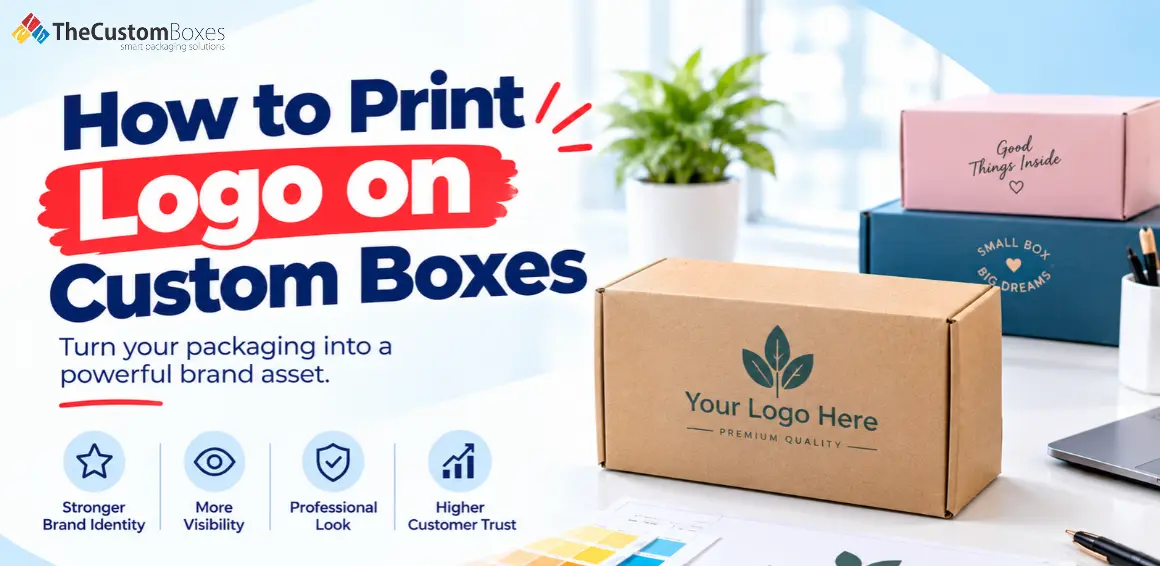
Do you recall the brand immediately after opening up a parcel? That's a logo working properly on the custom printed packaging box. Even if you're lucky enough to have a good logo, wrong printing can make it appear to be a low-cost logo. The edges have become fuzzy and dulled in colour.
So, how to print a logo on custom boxes?
- Start with a clean file.
- Pick a print method that suits your order size.
- And approve a proof before the full run.
Let us walk through each step.
Why Your Logo Deserves Better Than Sticker
A sticker can be used to put your logo on a box. Though you might not get the smooth finish as with printing on the box. Logos that are printed onto packaging look like they are part of the packaging. The printed logo will give a neater and more consistent appearance.
Stickers can peel or peel, they can curl, or they can even seem like an additional coating on the box. Decorative foil or embossing can be used with box prints to highlight the logo further.
Premium finishes such as foil stamping and embossing can make logos stand out on magnetic closure boxes, creating a refined presentation.
An effectively positioned logo takes the promotional burden off you and places it on the customer's package.
Get Your Logo File Ready
Problems that look like printing faults usually are file quality issues. Follow these:
- Use a vector file AI, EPS, PDF
- Photo style logos at 300 dpi plus
- CMYK colour for general printing
- Pantone colour if accuracy is needed
- Create outlines for text to prevent font changes.
- Allow a small bleed 3 mm outside the cut line.
A screenshot or a tiny web image will print fuzzy. Send us the real file.


Choose Your Print Method
Each method gives a different look and feel. And definitely a different and unique result. Pick the one that fits your budget and order.
|
Method |
Best for |
Look and feel |
|
Digital printing |
Small runs, quick changes |
Sharp, full colour |
|
Offset printing |
Large runs |
Rich, very accurate colour |
|
Flexographic printing |
Big corrugated orders |
Bold, simple designs |
|
Screen printing |
Solid colours on rough board |
Thick, strong ink |
|
Hot foil stamping |
Luxury boxes |
Shiny metallic shine |
|
Embossing or debossing |
Premium feel |
Raised or pressed logo |
|
Stickers or stamps |
Tiny batches |
Simple and budget-friendly |
For shipping products, the right printing method can help your logo stand out on mailer boxes while maintaining a consistent brand appearance.
Here's a simple rule to follow.
- Under 500 boxes: digital printing.
- Over 1,000 boxes: offset or flexo.
- Desire a luxe look? Incorporate foil or embossing.
Decide Where The Logo Sits
Placement changes how a box feels. Small choices matter here.
- Centre of the lid: Clean and classic.
- Corner placement: Modern and minimal.
- Repeat pattern: Bold and playful.
- Inside the lid: A pleasant surprise on opening.
- Side panels: Handy when boxes are on shelves.
Keep some breathing space on the box around logo. A crowded box looks very cheap. Airy one looks confident.
Match Ink and Material
Board type changes how ink behaves. A smooth board gives sharper detail. Kraft absorbs ink. So colours look softer and earthier.
Some tips:
- Opt for white or coated board for vivid colours.
- Opt for kraft when printing logos on kraft boxes to achieve a natural appearance with earthy colours.
- Use bold, simple shapes on rough surfaces.
- Avoid very thin lines, they can fade.
Request a material sample before you buy. There's no substitute for holding the material in your hand.
Always Check a Proof
A proof is your safety net. It shows exactly how the logo will print.
Look closely at:
- Spelling and small text
- Colour accuracy
- Logo size and position
- Edges and fold lines
Fixing a mistake on a proof is quick. Fixing it on 1,000 boxes is not.
Mistakes That Ruin Logo Printing
Avoid these common slip-ups. And you will save time and money.
- Sending a low-quality image.
- Skipping the proof.
- Placing the logo too close to a fold.
- Using too many colours.
- Ignoring how the board absorbs ink.
Getting Help From People Who Print Every Day
You don’t have to work it all out yourself. At The Custom Boxes, our team checks your artwork. Then we suggest the right method and flag issues before printing starts. That saves you from costly reprints and keeps your brand looking sharp.
Conclusion
Now you know how to print a logo on customised boxes:
- Prepare a clean file.
- Choose the right method.
- Pick a smart placement and approve a proof.
Do these well, and your logo-printed custom boxes will look professional from the first order.
Ready to see your brand on a personalised packaging box? Send your logo to The Custom Boxes and request a free quote today.
Frequently Asked Questions:
Which file type do I need in order to be able to print my logo on a box?
We recommend vector formats such as AI, EPS or PDF.
What is the best way to get a logo printed on boxes for orders of small quantities?
Digital printing is typically the most suitable. It requires less preparation and enables affordability of smaller runs.
Can I print my logo on kraft boxes?
Yes, but colours tend to look softer on kraft so keep your designs simple. Bold and simple is a lot more effective!
What causes blurry logos on a print?
It's low resolution. Always send the vector from the design program you used to make it and/or a 300 dpi image.
Should I approve a proof before printing?
Yes, a proof gives you an opportunity to check that the colours, size and spelling are OK before the full run.
Premier American Manufacturer of Packaging and Custom Boxes
Experience the ease of creating and ordering custom boxes and affordable packaging online with the Custom Boxes. Contact us today to discover how we can turn your packaging vision into a reality.

Payment & Security
 No Hidden Charges
 Money Back Guarantee
thecustomboxes.com.au online guarantee the privacy of all the customers and never share their personal information with third parties. For more details read our Privacy Policy.


